
You can unsubscribe at any time.
You are signing up to receive the Smart Home Charge newsletter. Terms and conditions apply.
Not quite ready for an installation yet?
Access our FREE guide to home charger installation.
Sign up and instantly get:
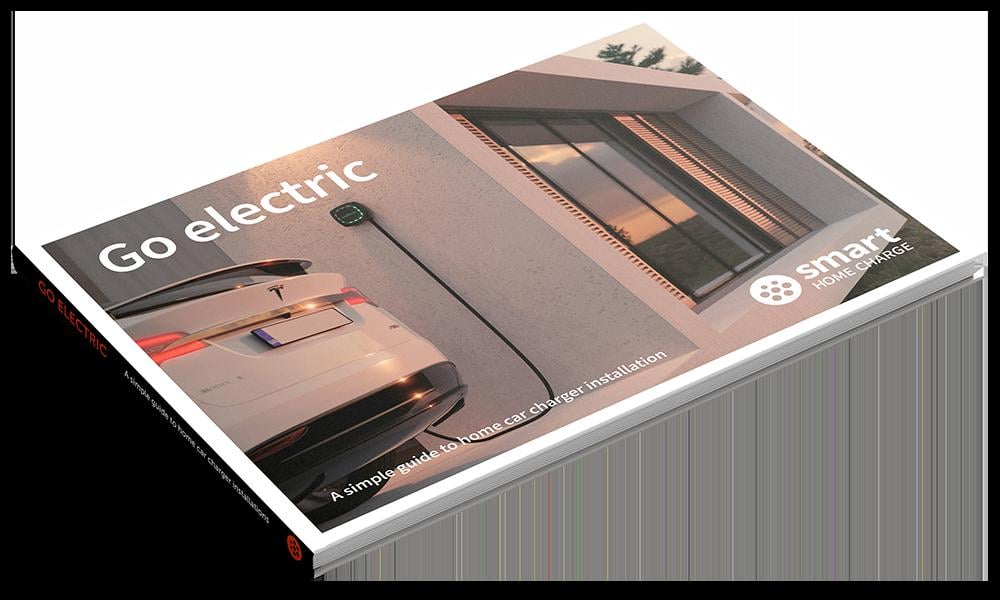
- Your FREE and exclusive interactive Go Electric guide
- The latest EV charger reviews
- New car releases and EV news
- App set-up guides and more electric car charging tips
Not quite ready for an installation yet?
Access our FREE guide to home charger installation.
Sign up and instantly get:
- Your FREE and exclusive interactive Go Electric guide
- The latest EV charger reviews
- New car releases and EV news
- App set-up guides and more electric car charging tips
You can unsubscribe at any time.
You are signing up to receive the Smart Home Charge newsletter. Terms and conditions apply.
Get to know your Ohme Home Pro
Now you have your Ohme Home Pro, we've created this page to help understand your EV charger so you can get the most out of it and deal with any potential hiccups along the way.
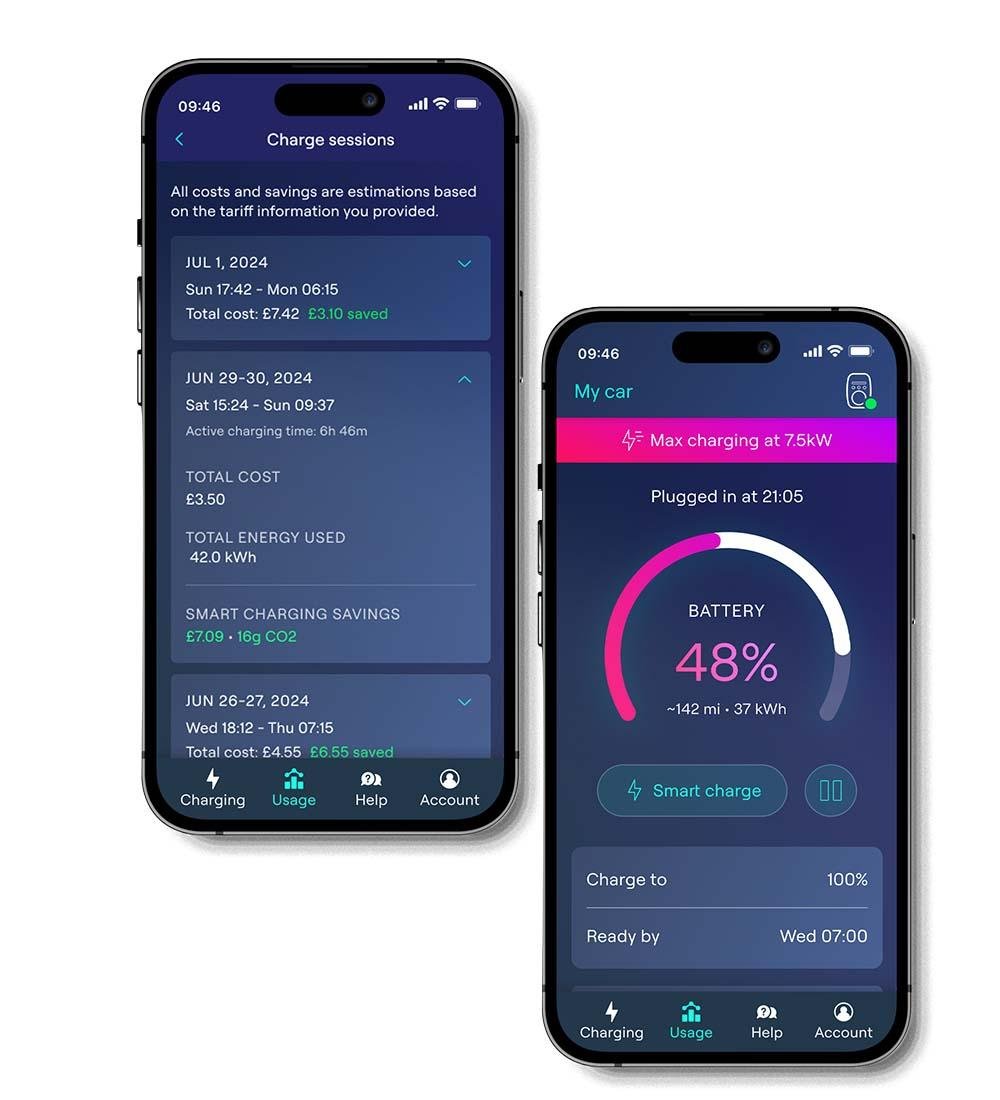
Follow these steps to get used to the app features.
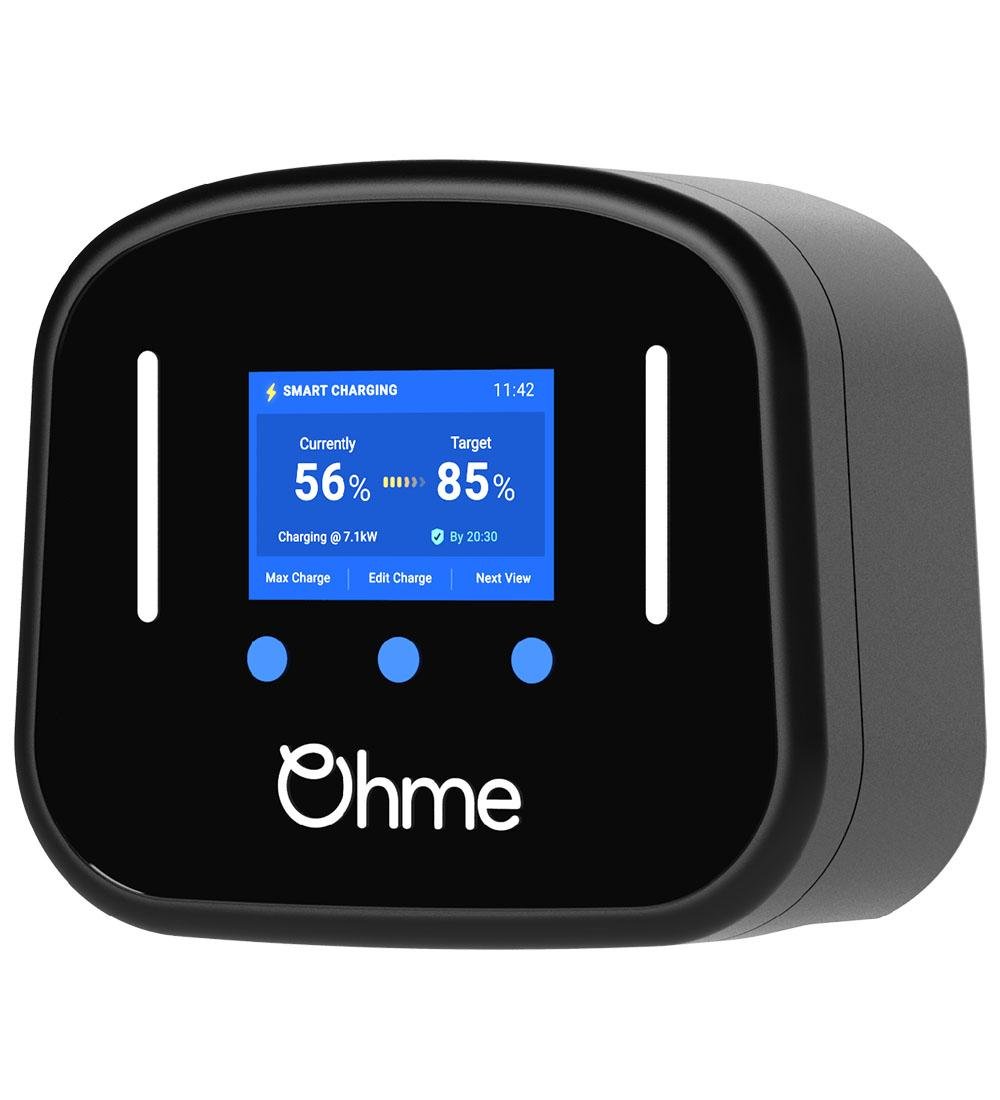
Getting to know what’s on the screen
+
Set up and edit a charge schedule
+
Adding your energy tariff
+
Setting a price cap
+
Adding your vehicle to your Ohme Profile
+
Video Tutorials
+
Need to contact Ohme?
+
Setting up your Ohme charger with Intelligent Octopus
+
Charger isn't working? Try these steps first!
Most EV chargers are very reliable and should charge your vehicle as intended. However, there are lots of variables when it comes to charging an electric car that can occasionally interrupt this.
It's worth checking the below before moving on to the more advanced troubleshooting steps further down the page, as there could be a very simple solution to the problem.
Is there power to the unit?
+
Can you charge your car at all?
+
Have you tried resetting the unit?
+
Update the app
+
Ohme Home Pro Advanced Troubleshooting
My Ohme Home Pro acts as a “dumb charger” and charges my vehicle as soon as I plug it in rather than waiting for the set off-peak times or charge schedules.
+
The Ohme Home Pro and Ohme app won’t display my vehicle’s state of charge
+
My energy tariff isn’t listed in the tariff options
+
I’m getting error messages telling me that my car is charging lower than expected
+
The problem with my unit is not listed on here or the advice given has not solved my issue
+
The language on my Ohme Home Pro screen keeps reverting to German
+
Ohme Home Pro Installation and Setup Guidance for installers
Check the charger
+
Download the app
+
Set up the app and pairing your charge point
+